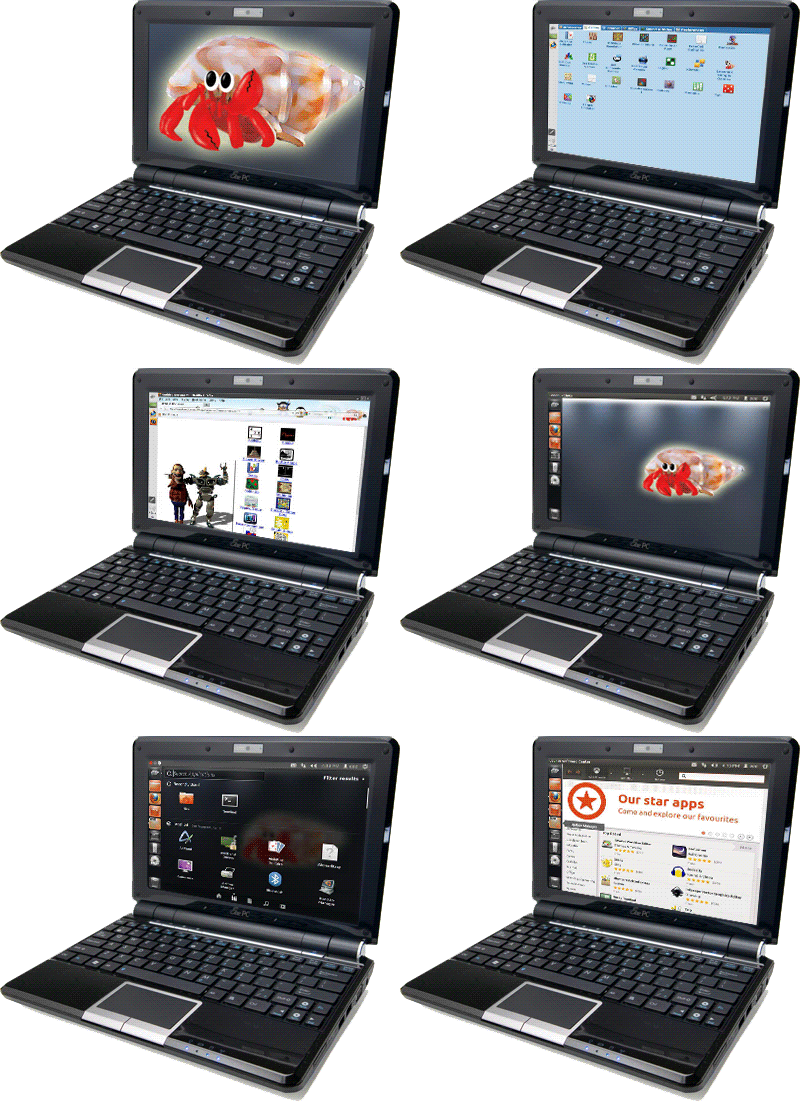
For help on installation click here . For detailed information on versions and subversions click here. For fixing keyring, click here. During installation, it will report some error three times - Just click OK, this is not a bug.
Download Leeenux 4.0.1
|
Edition
|
ISO
|
Installed
|
Features
|
|
|
453MB |
1.4GB |
|
|
|
597MB |
1.8GB |
Like Standard but with Skype, Adobe Reader and Flash, Gnome Games, Unrar, Wine and PlayOnLinux. Without Evince. Contains Proprietary Software (Read Adobe Reader EULA, Adobe Flash EULA and Skype EULA).
|
Download Leeenux 3.0
|
Edition
|
ISO
|
Installed
|
Features
|
|
|
450MB |
1.3GB |
|
|
|
607MB |
1.6GB |
Like Standard but with Skype, Adobe Reader and Flash, Gnome Games, Unrar, Wine and PlayOnLinux. Without Evince. Contains Proprietary Software (Read Adobe Reader EULA, Adobe Flash EULA and Skype EULA).
|
|
|
620MB |
1.6GB |
With All Emulators, GNOME Games and many other Linux games. Without some apps.
|
Download Leeenux 2.0 (359MB, takes up to 1.2GB when installed)
Download helper application, UNetBootIn
(The application that alowes you to make bootable USB flash drive with Leeenux)
SourceForge Download for Ubuntu
SourceForge Download for Windows
Ubuntu (32-bit): http://unetbootin.sourceforge.net/unetbootin-i386-latest.deb Ubuntu (64-bit): http://unetbootin.sourceforge.net/unetbootin-amd64-latest.deb RPM (opensuse): http://software.opensuse.org/search?baseproject=ALL&p=1&q=unetbootin Other Distributions: http://unetbootin.sourceforge.net/unetbootin-linux-latest
For instructions on MAC OS X, click HERE and scroll down.
To get nice grub menu type following commands in terminal:
sudo wget -O /usr/share/leeenuxsplash.xpm.gz "http://leeenux-linux.com/Leeenux/leeenuxsplash.xpm.gz" sudo cp /boot/grub/menu.lst /boot/grub/menu2.lst sudo perl -pi -le 'print "splashimage (hd0,0)/usr/share/leeenuxsplash.xpm.gz" if $. == 27' /boot/grub/menu.lst sudo perl -pi -le 's/hiddenmenu/\# hiddenmenu/g' /boot/grub/menu.lst
|